Hotel Content
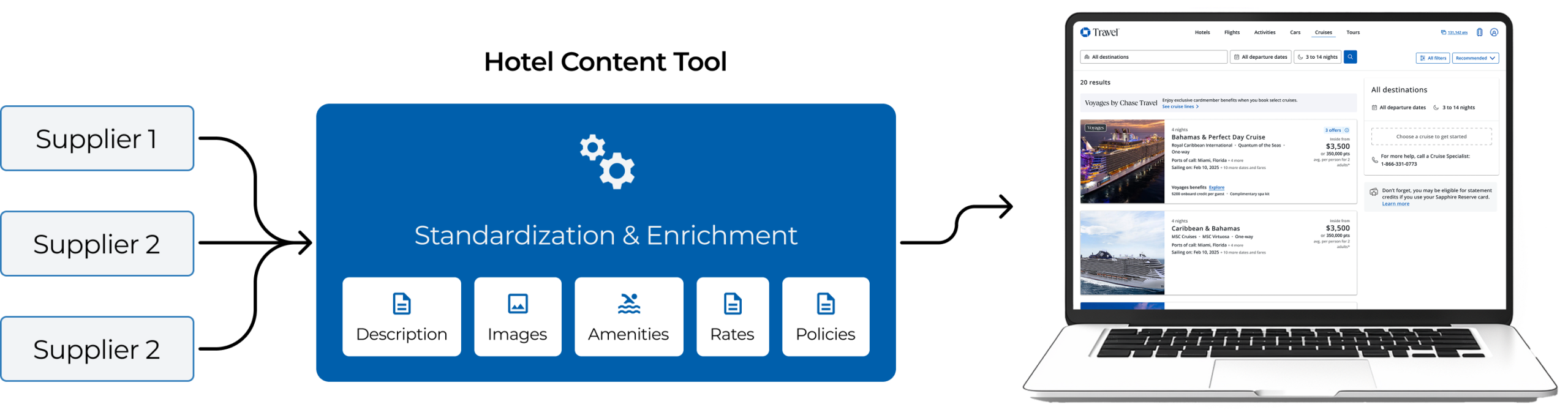
Hotel Content is a central tool for managing hotel and room content. It pulls data from multiple suppliers and standardizes it (descriptions, photos, amenities, rates, and policies) so clients can update once and publish everywhere with consistent, accurate information.
Campaign Management Case Study
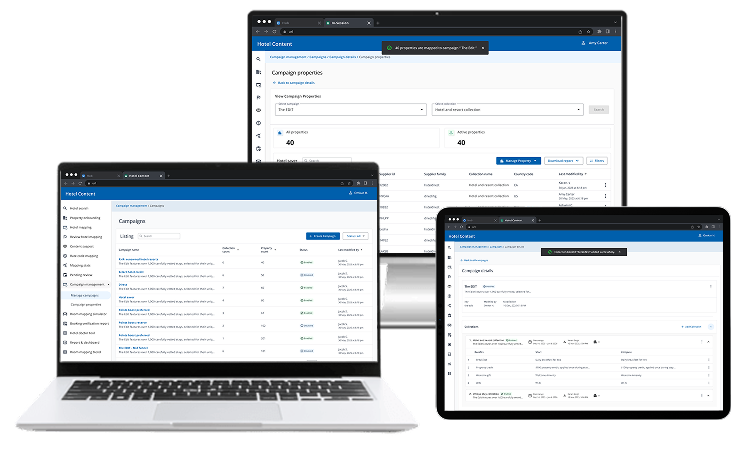
Campaign management is the process of creating and managing campaigns, where each campaign groups properties into collections with defined benefits, so the right guest perks are applied consistently and can be tracked and controlled.
1. Campaign: A business initiative (like a promo) that defines a set of rules and benefits.
2. Collection: A group of properties inside a campaign that share the same rules/benefits.
3. Benefit: The guest perk offered (e.g., breakfast, credits, flexible check-in/out).
Timeline:
6 Months
Role:
Lead Designer
Team:
1 Designer, 2 PMs, 1 Tech Lead
What’s really going wrong
1. Fragmented spreadsheets and tools cause confusion.
2. Properties end up with conflicting benefit mappings.
3. Simple changes require developers, slowing launches.
4. Reporting and audit trails are unclear or missing.
Teams affected
1. Business ops & supplier account teams
2. Customer support
3. Engineering
4. Compliance/audit
How we’ll fix it
1. Centralized platform to manage campaigns, collections, benefits, and property mappings.
2. Automated validation to catch wrong properties, date issues, priority conflicts, and duplicates.
3. Role-based governance with approvals.
4. Reporting to filter, view, and export data.
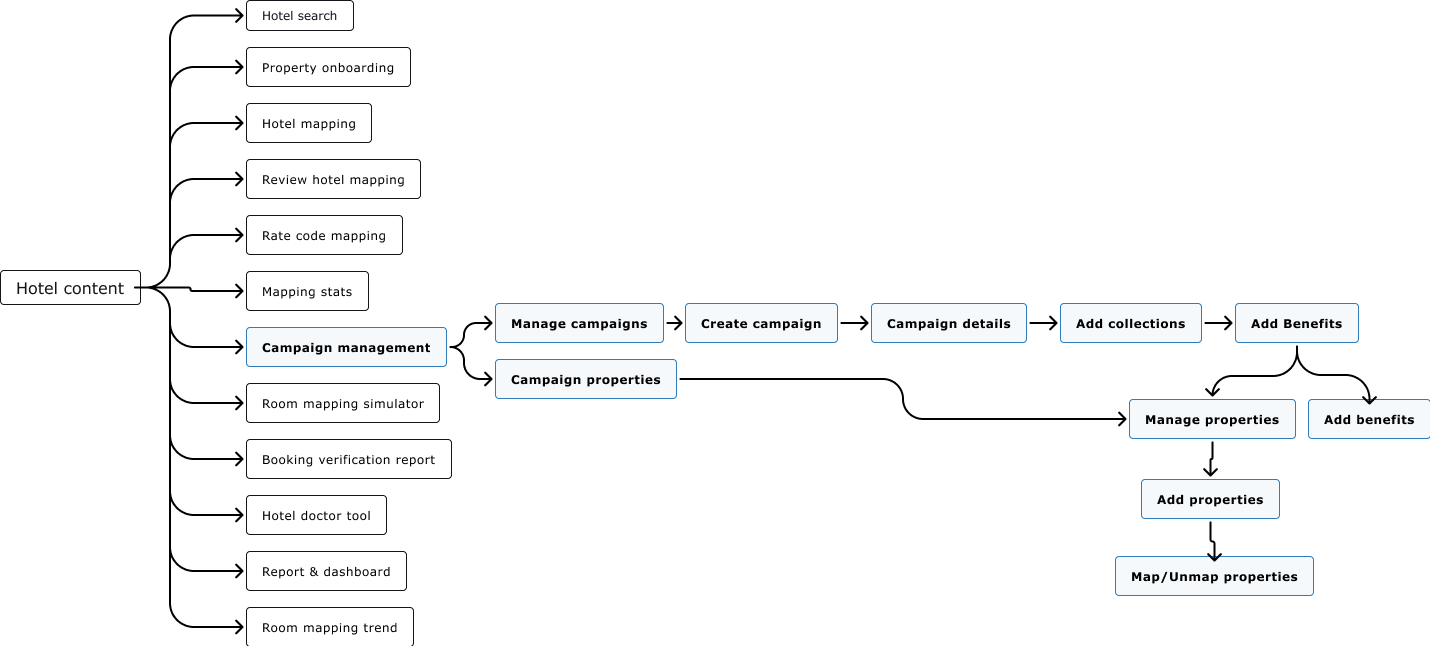
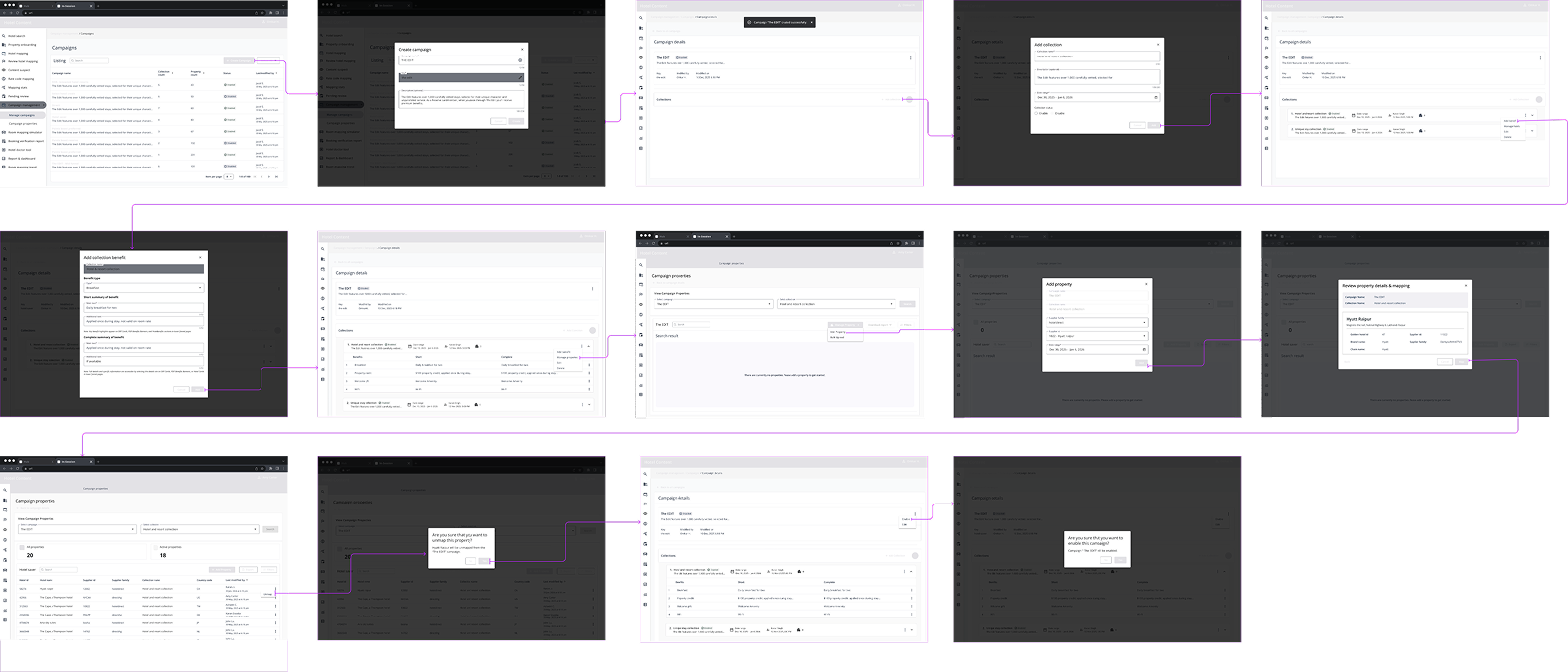
User Journey Walkthrough
How We Designed It

Primary Research
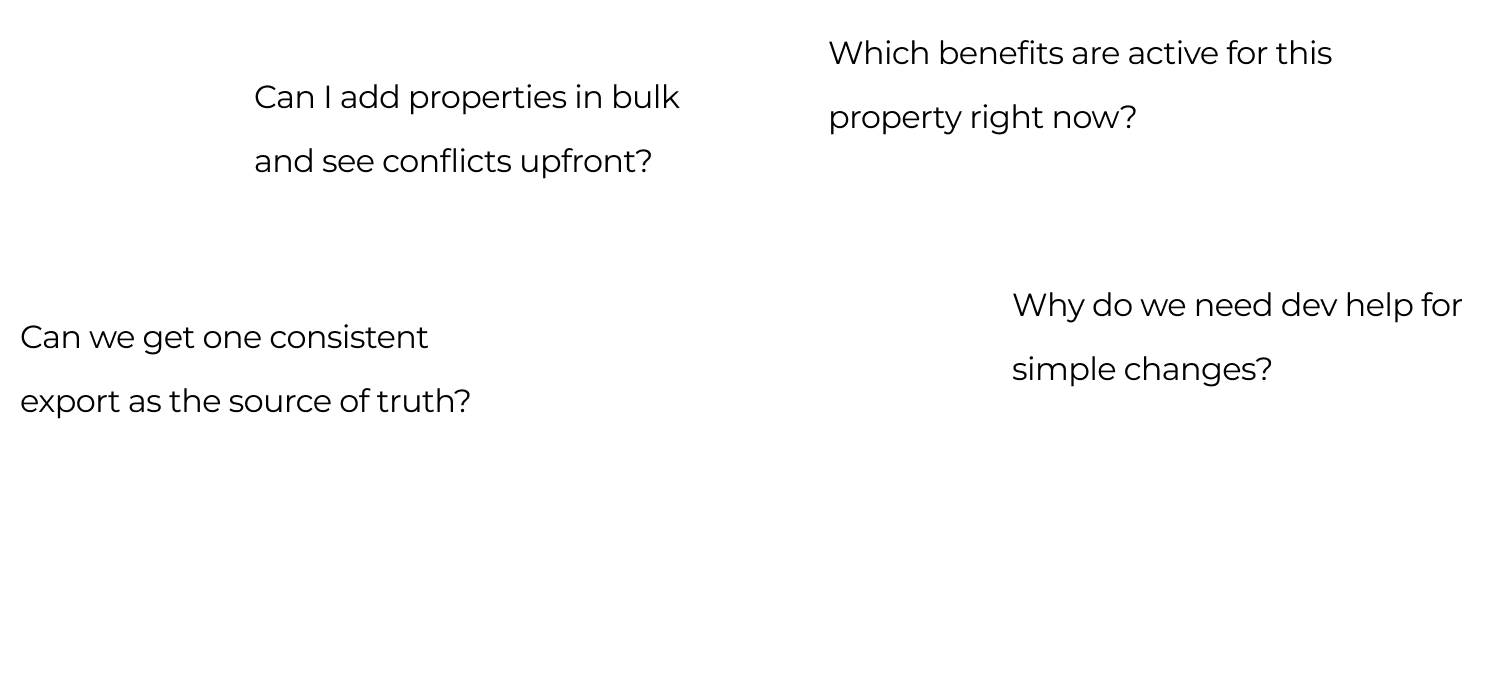
Primary research covered six user’s group. They need fast validation and bulk mapping, conflict checks and approvals, regional/brand filters and exports, audit trails, consistent reporting, and clear APIs with reconciliation details.
1. Understand why teams need a single place to set up and govern campaigns, collections, and benefits.
2. Identify challenges in selecting properties, preventing duplicate mappings, and managing effective dates and priorities.
3. Explore how teams currently add, track, and audit property mappings across fragmented tools.
4. Determine key features they expect in a self-serve campaign management platform (validation, approvals, audit, reporting).
Brainstorming
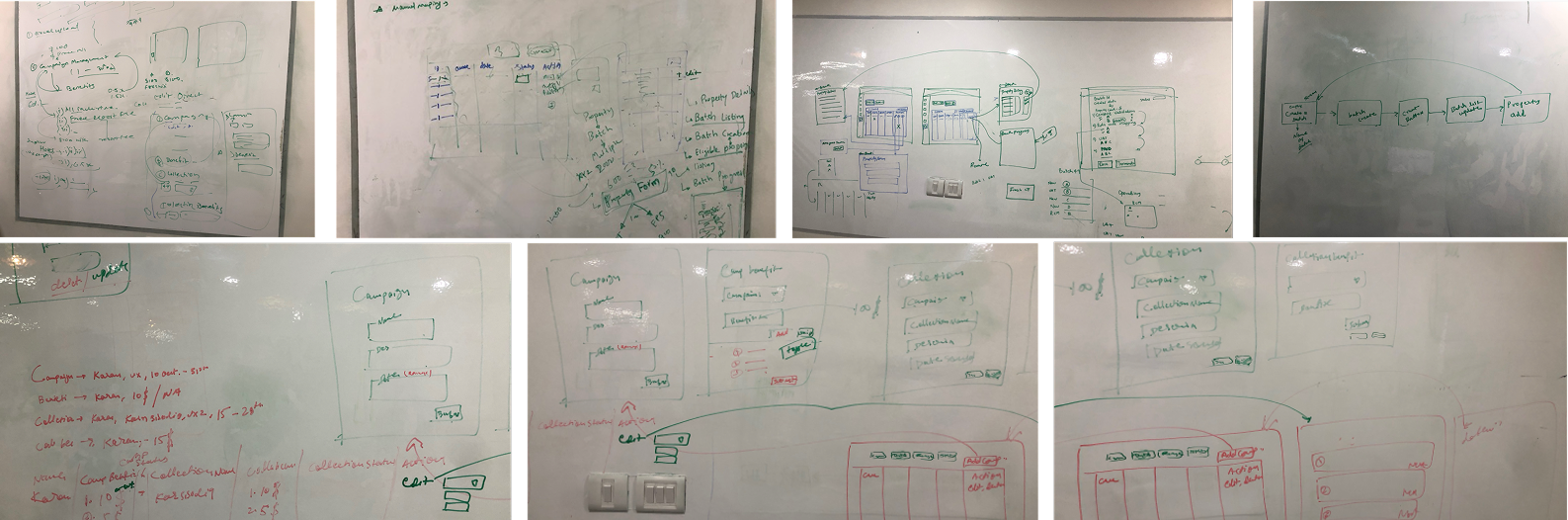
Session 1
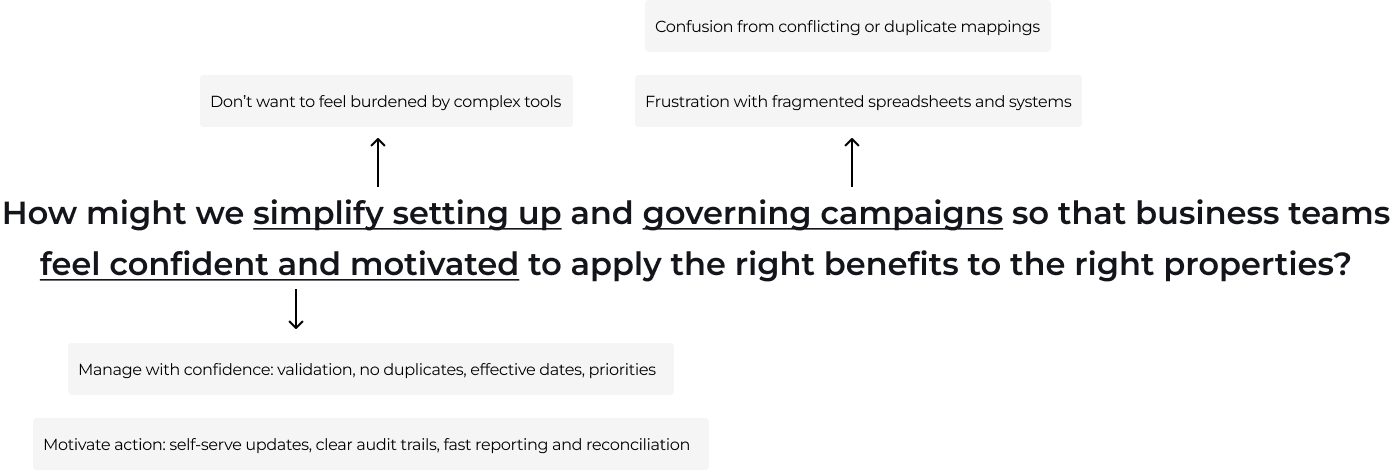
White-boarded with the Product Owner and Tech Lead to align on the problem, success criteria, and MVP; mapped the workflow and key user flows, and set guardrails.
Outputs: pain points, shared vocabulary, draft data model, prioritized features, and next steps for prototyping/technical spikes.
Session 2
Matched research findings to potential solutions to decide which ideas to keep.
Wireframes
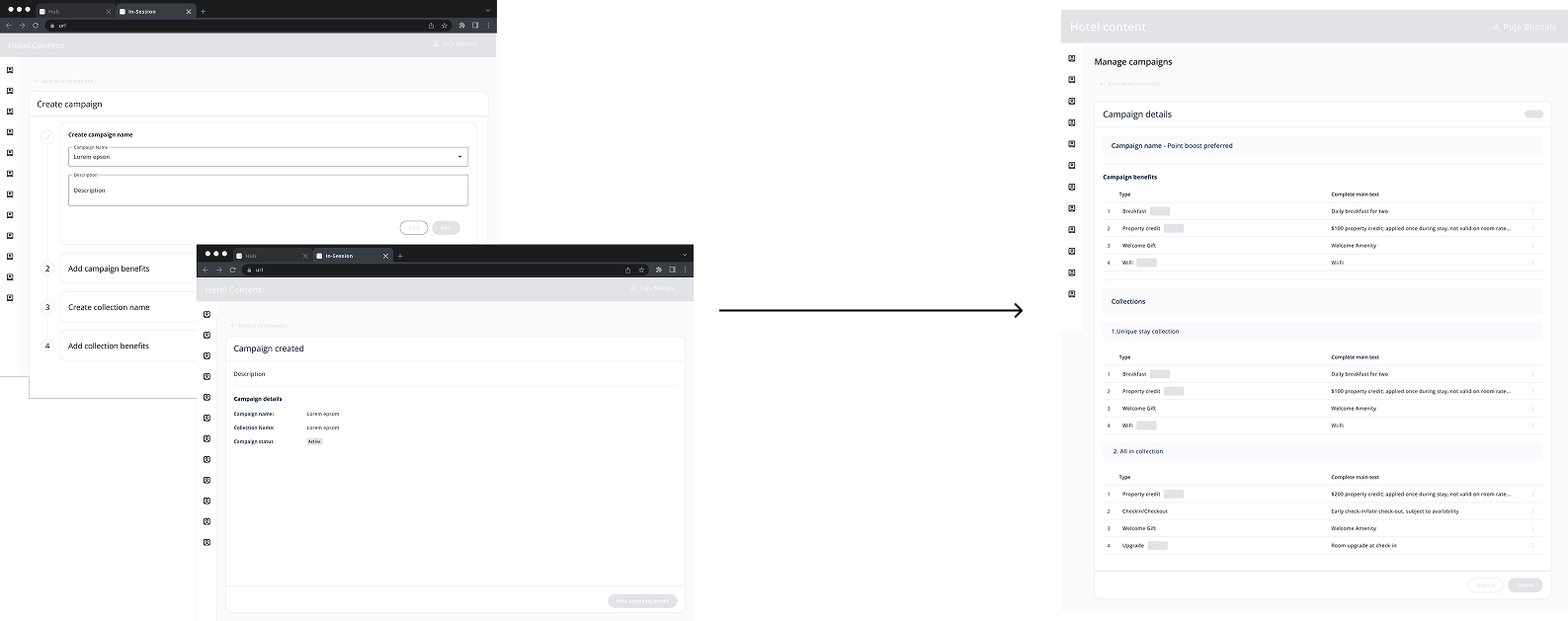
Consolidated feedback (Iteration 1)
Feedbacks received from from Product owner
Created: A step-by-step flow to create campaigns, collections, and benefits individually.
Improved: Enhanced the “Campaign Created” confirmation page to consolidate all campaigns and benefits in one place.
Impact: improving visibility and reducing the need to navigate across multiple pages.
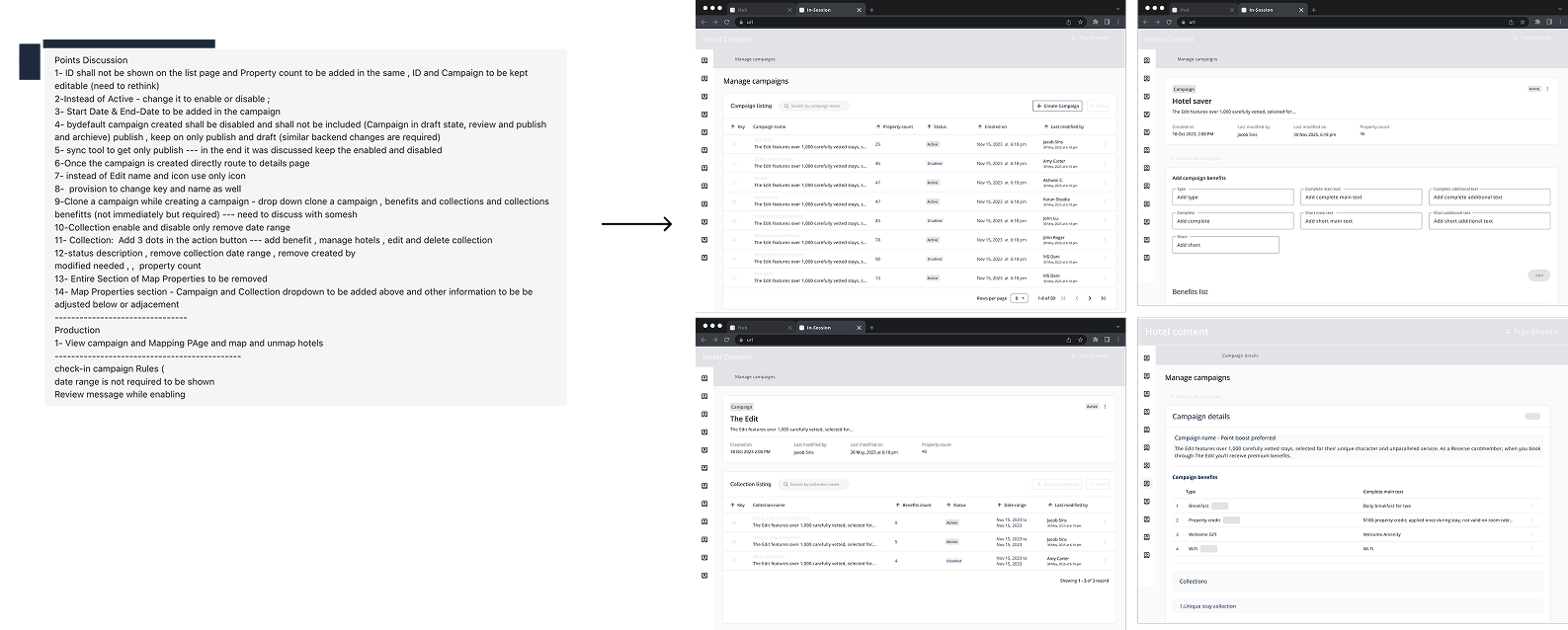
Consolidated feedback (Iteration 2)
Feedbacks received from from Tech partner & Product owner
Created: A centralized landing page where users can view all campaigns and create/manage campaigns, benefits, and collections.
Improved: Replaced the step-by-step flow with a single landing-page hub for campaigns, benefits, and collections.
Impact: Making it faster and easier for users to find, create, and manage everything in one place.
Consolidated feedback (Iteration 3)
Feedbacks received from users and alignment with internal stakeholders
Improved: Incorporated user feedback, aligned with internal stakeholders, and finalized a single Campaign Details page as the central place to manage a campaign after creation (add/edit/manage/delete).
Impact: Consolidated campaign management into one page, reducing navigation and making ongoing updates faster and more intuitive.
Usability Test (Task based assessments)
Goals
1. Effectiveness — can users complete the task?
2. Efficiency — how quickly do they complete the task?
3. Satisfaction — how do they feel about it?
Planning
1. Participants: focus group of 5 usersPlatform:
2. QA enviornment
3. Session: 60 minutes each, via Zoom (ID: XXXXXXXXXX)
4. Team: 1 moderator, 1 observer
Success metrix
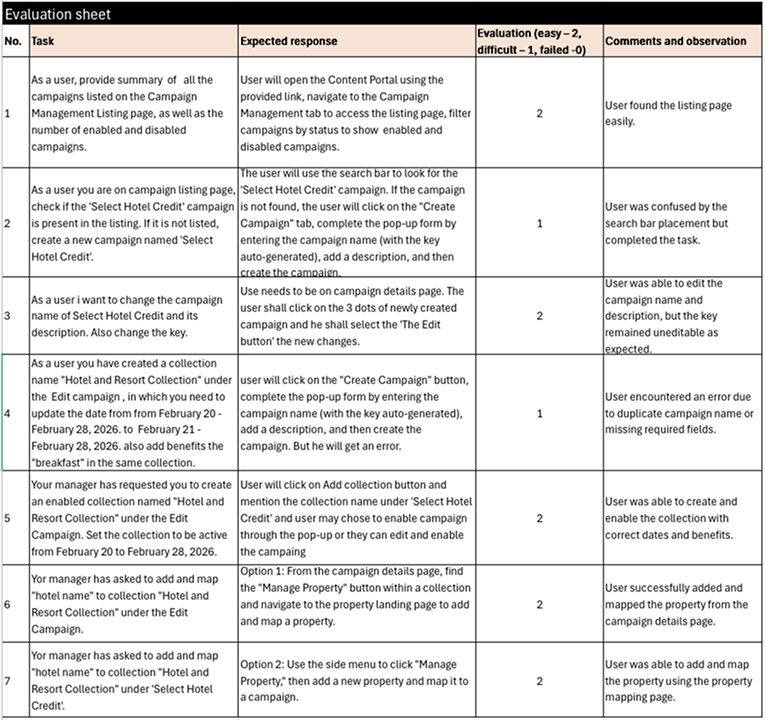
Task success: 86% (6/7 tasks completed)
Time on task: Most tasks completed quickly; tasks 2 & 4 took longer due to confusion/errors
Feedback: Listing page clear; search bar placement confusing; editing name/description easy but campaign key not editable; duplicate campaign name error frustrating
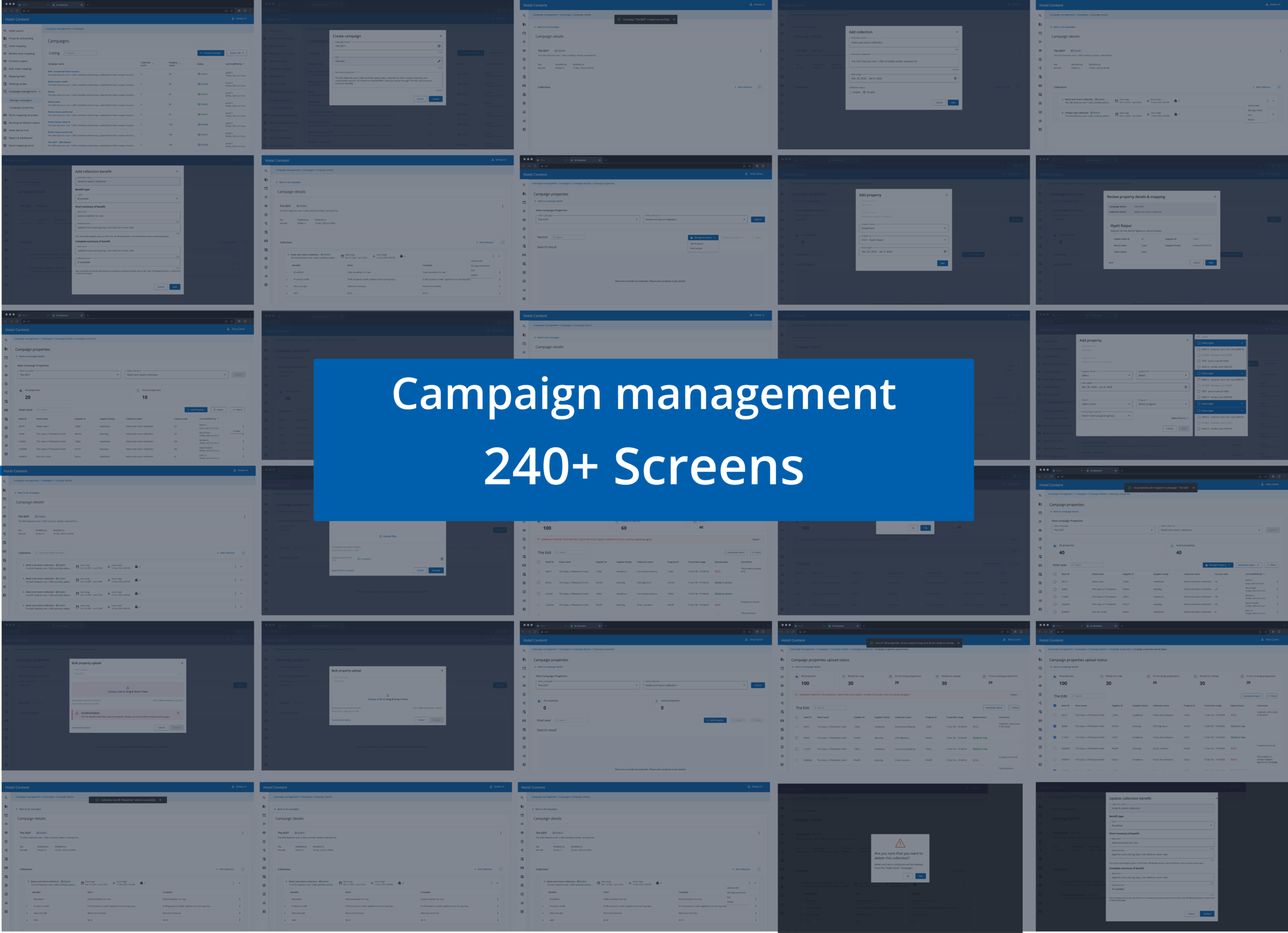
Hi-Fi Mock-ups
Impact
70% faster property onboarding (less dev dependency, safer bulk actions).
85% fewer duplicate/conflicting mappings (rules and pre-checks).
Fewer guest issues and support tickets (clear, consistent benefits).
Stronger compliance (approvals + full audit trail).
Learning 1
I assumed too much ...
Users value features that solve their real problems, not just what we think is important.
Learning 2
I expected too much…
Some functions we thought would be popular—like bulk editing—were rarely used, while simple update tools got more attention.
Learning 3
I engineered too much…
Focusing on perfecting the interface before testing slowed progress. Early feedback and quick iterations worked better.